Week 2: Selecting and Using IRIS Modules for Your Course
Welcome to the second week of our IRIS Workshop! We’ve enjoyed learning about you, your goals for this workshop, and your experience with IRIS prior to this workshop. We’re hoping that after completing the first week, you now have a general understanding of the IRIS Center, know how to navigate the IRIS website and IRIS Resource Locator (IRL), and have identified several goals and objectives for your future course(s).
This Week’s Learning
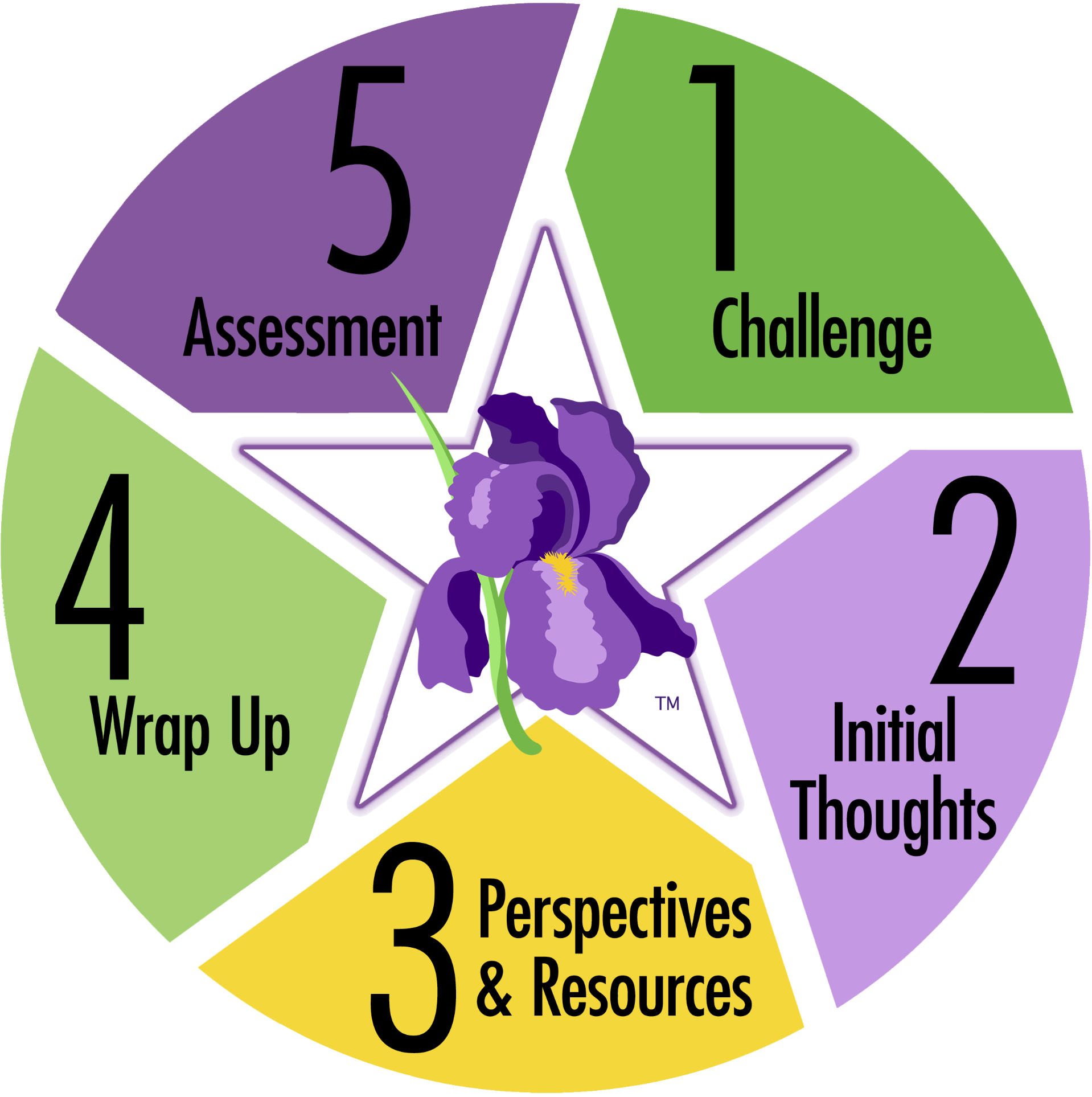 Now it’s time to deepen our exploration of the IRIS STAR Legacy Modules to answer the guiding question for this week: How can IRIS Modules support my course instruction?
By the end of this week, you should be able to:
- Identify IRIS Modules that align with your course goals to help provide course content
- Understand different ways to effectively use IRIS Modules
Let’s Explore
We’re going to dig into the topics below. Remember, this learning is intended to meet your individual needs and interests. Please feel free to explore the topics that appeal to you most.
IRIS STAR Legacy ModulesLearn about our signature resource and the adult learning theory that guides its development. |
Understanding IRIS Modules:
Optional resources: |
Using IRIS Modules in College and University CoursesLearn a few tips for using IRIS Modules and then delve into some research findings about IRIS resources. Note: Our workshop leaders will share their experiences using IRIS Modules in face-to-face, hybrid, and online courses during our next Community Call. |
Using IRIS Modules
Optional resources:
|
|
This Week’s Assignment: Selecting IRIS Modules |
Assignment:
|
Reflection
 Now that you’ve had a chance to explore IRIS Modules, please share your responses to these questions on Flipgrid:
- What are your thoughts about the information contained in IRIS Modules? As you think about this question, consider:
- the way the information is presented
- the source(s) of the content
- the ways in which this information can support your instruction.
- What is one takeaway from your review and selection of IRIS Modules?
- What additional questions do you have regarding the use of IRIS Modules?
Be sure to view your colleagues’ videos to prepare for this week’s synchronous discussions.
Building Community: Synchronous Session/Community Call #2

Did You Know?
Free Certificates of Completion are available for many of the most popular IRIS Modules. Learners:
- Take a pretest
- Work through the module
- Take a post-test
- Earn the certificate
View the list of modules with corresponding certificates.
How could you use the Certificates of Completion in your future courses?
We look forward to seeing you and hearing about this week’s learning activities.
Date: Tuesday, June 29, 2021
Time: 11:00 AM – 12:30 PM EST/10:00 AM – 11:30 AM CST/9:00-10:30 AM Mountain
Zoom link: https://vanderbilt.zoom.us/j/4797992759?pwd=NUkyanVjUWdIdzRqaVBlUk9lTk83QT09
Meeting ID: 479 799 2759
Passcode: GoIRIS
During this call, we will cover the following:
- Your course planning template, goals, objectives, and selected modules
- Creative ways to use IRIS Modules in your courses
- The suite of supporting materials (e.g., navigation video, outline, wraparound content map, research and additional resources, Kahoot!, PD Certificates)
- Ideas for assessment
- Brief recap and preparing for next week